Kyo GitHub

A planner that shows
only today

Kyo (今日) is a daily planner for iPhone, iPad and Apple Watch. What you don’t finish carries forward to tomorrow.

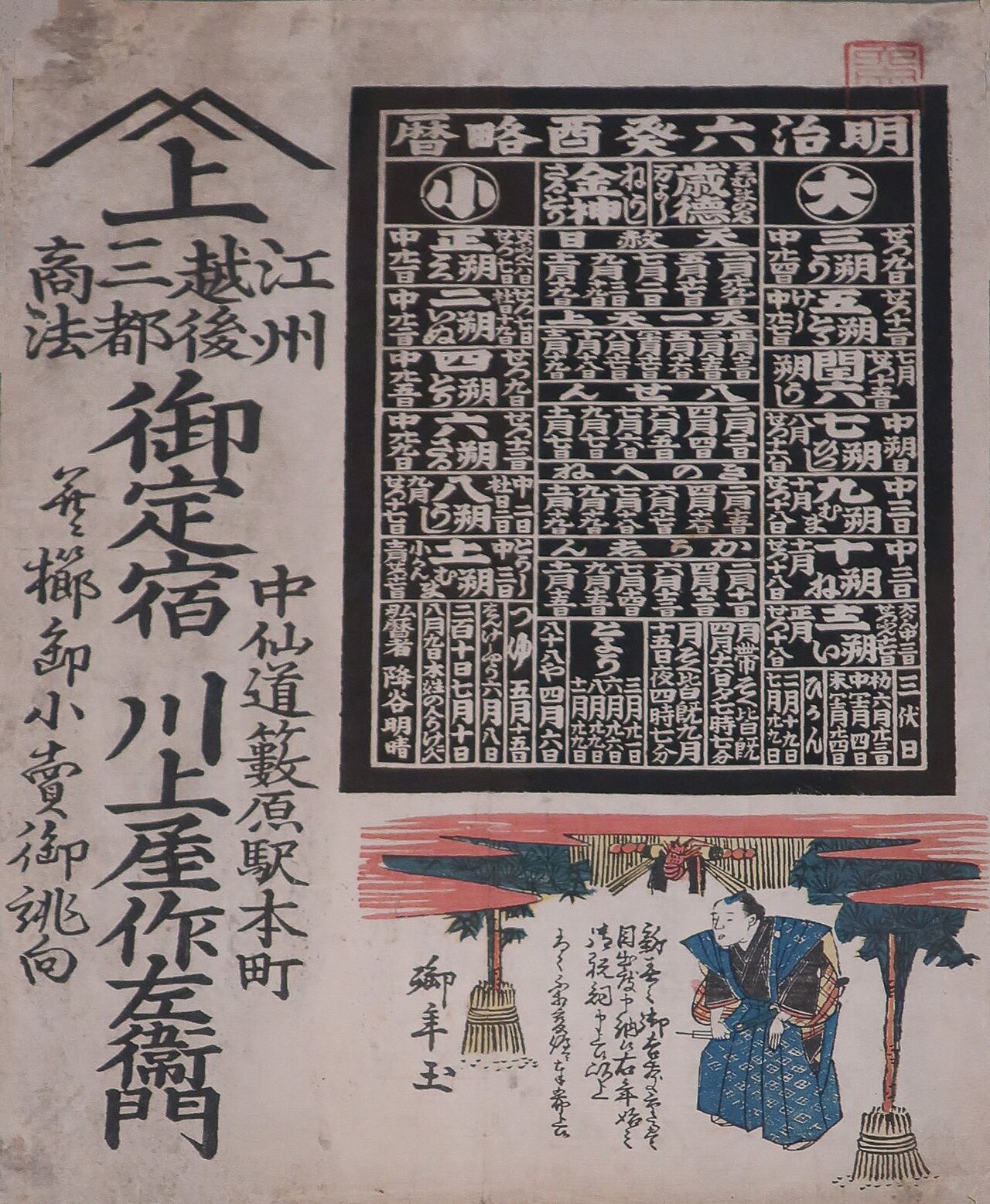
A printed Japanese calendar from 1873: a black block of dates beside a column of brush calligraphy.
Printed calendar, Japan, 1873

Today

Tuesday 3 November · 2 tasks left

Schedule2
  • Standup15 min
  • Lunch with MayaCafé Ora
Tasks1 of 3
Habits0 of 3

What the name means

Kyō means today, and today is all Kyo shows: your tasks, your habits, your memos.

Today holds the whole day in one list

How a task travels

TodayTue 3 Nov
Finish the slides for Thursday
Added just now

First, you type it into Today.

Today11:58 pm
Finish the slides for Thursday
Still open

Then the day ends and it isn’t done.

TodayWed 4 Nov
Finish the slides for Thursday
Carried forward from Tuesday

So it carries forward to tomorrow, on its own.

TodayWed 4 Nov
Finish the slides for Thursday
Done at 4:40 pm

Finally, you check it off.

What else Kyo does

Do later

Pick a weekday, a week out, a month out or an exact date. The task waits in Later and shows up on its planned day.

Do later: Pick up the dry cleaning

FridayFri, Nov 6
In a weekTue, Nov 10
In a monthThu, Dec 3
Pick a dateCalendar

Habits

A habit is listed only on the days it’s due. Streaks and weekly targets like 2/3 sit on the row, and a missed day never carries over.

Journal: repeats on

Due Tuesday and Friday3-day streak

Voice memos

Say it and Kyo writes it down, on your device. Edit the transcript without touching the audio, and attach up to four photos.

Idea for Saturday0:24

Maya says the Saturday walk works if we start by nine. Bring the thermos, and text her the route.

Memo to task

With Apple Intelligence, Kyo suggests tasks from what you wrote or said. Nothing joins Today until you add it.

Suggested from “Idea for Saturday”

Text Maya the routeAdd to Today
Bring the thermosAdd
Start the walk by nineAdd

Apple Watch

Check off tasks and habits from your wrist and record a memo. Your iPhone transcribes it, even if it was out of reach.

Today2 left
Pick up the dry cleaning
Finish the slides
Pay the water bill
Record memo

Quick capture

Start a memo without opening the app: Control Center, the Lock Screen, the Action button, a Watch complication, or Siri.

Record memo
Write memo
Action buttonRecord memo
Siri“Record memo”

Why only today

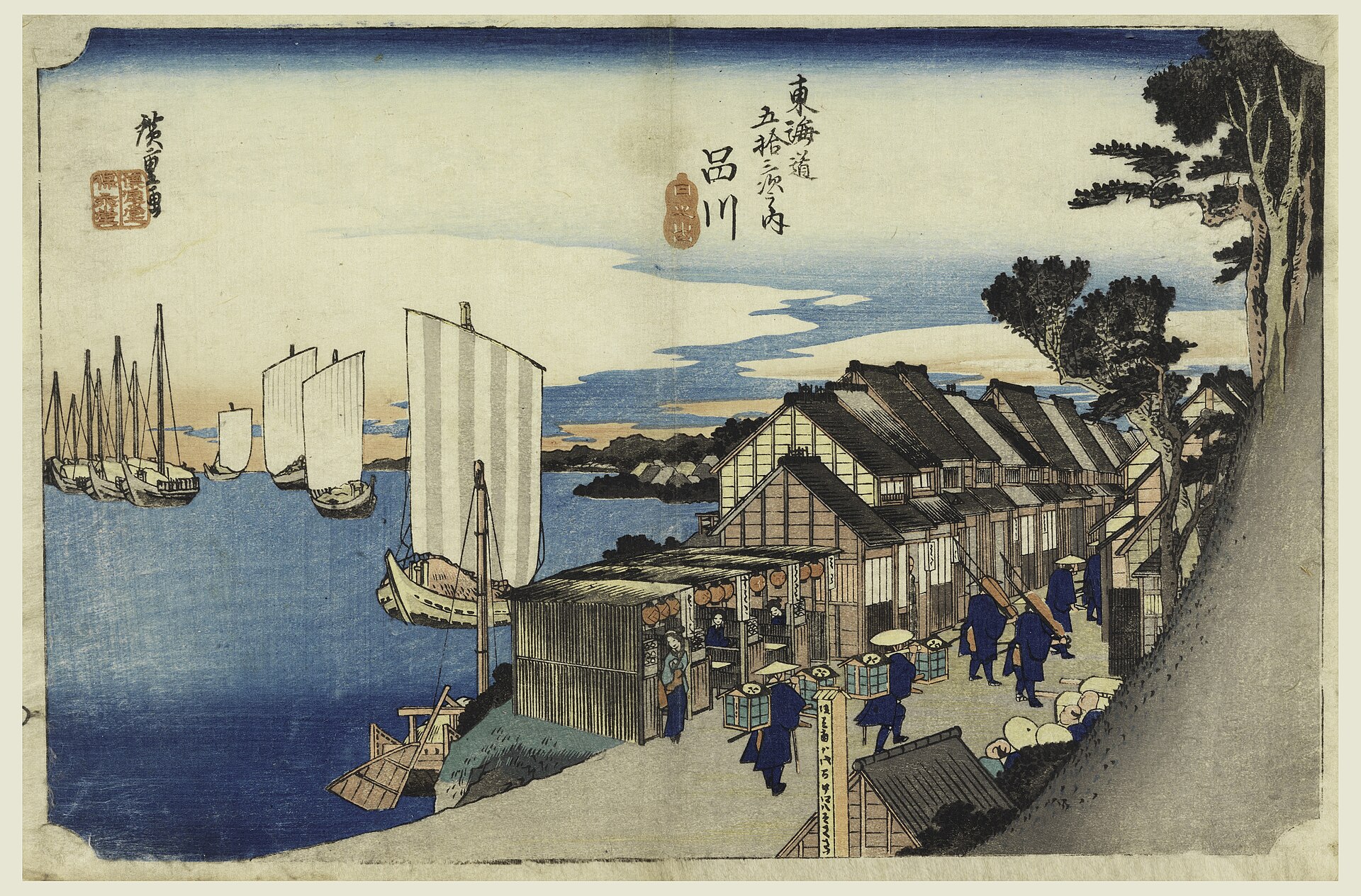
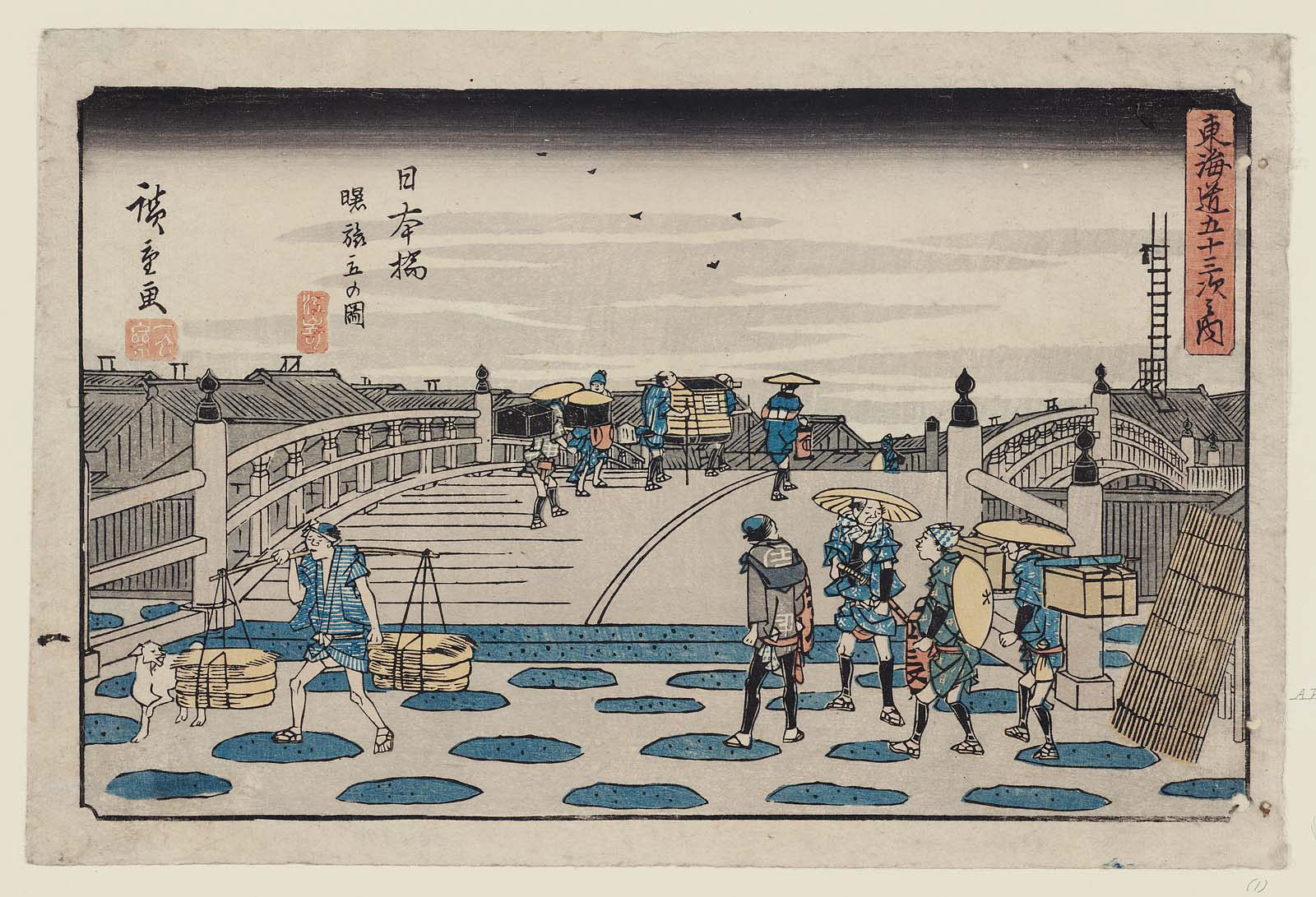
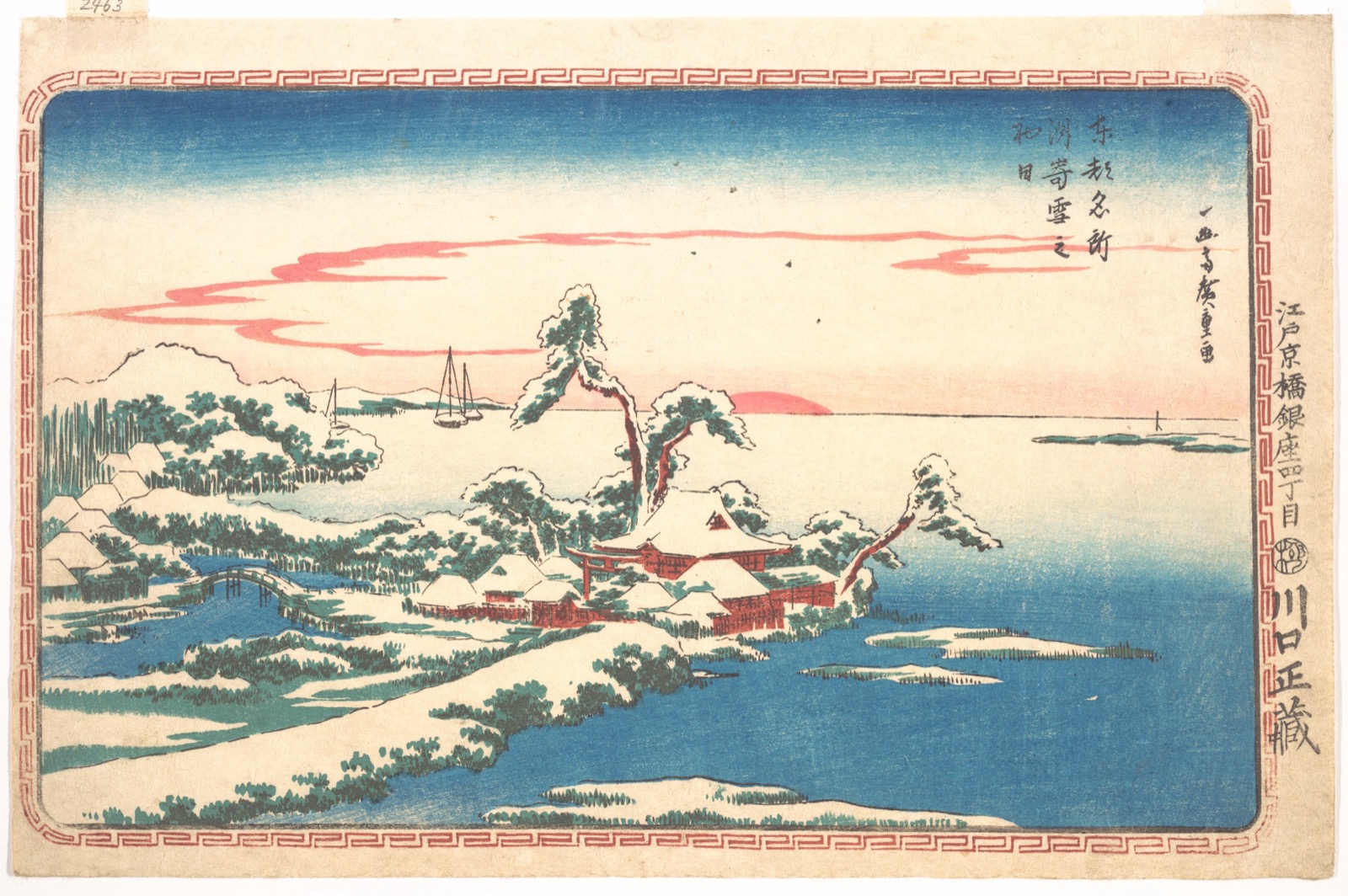
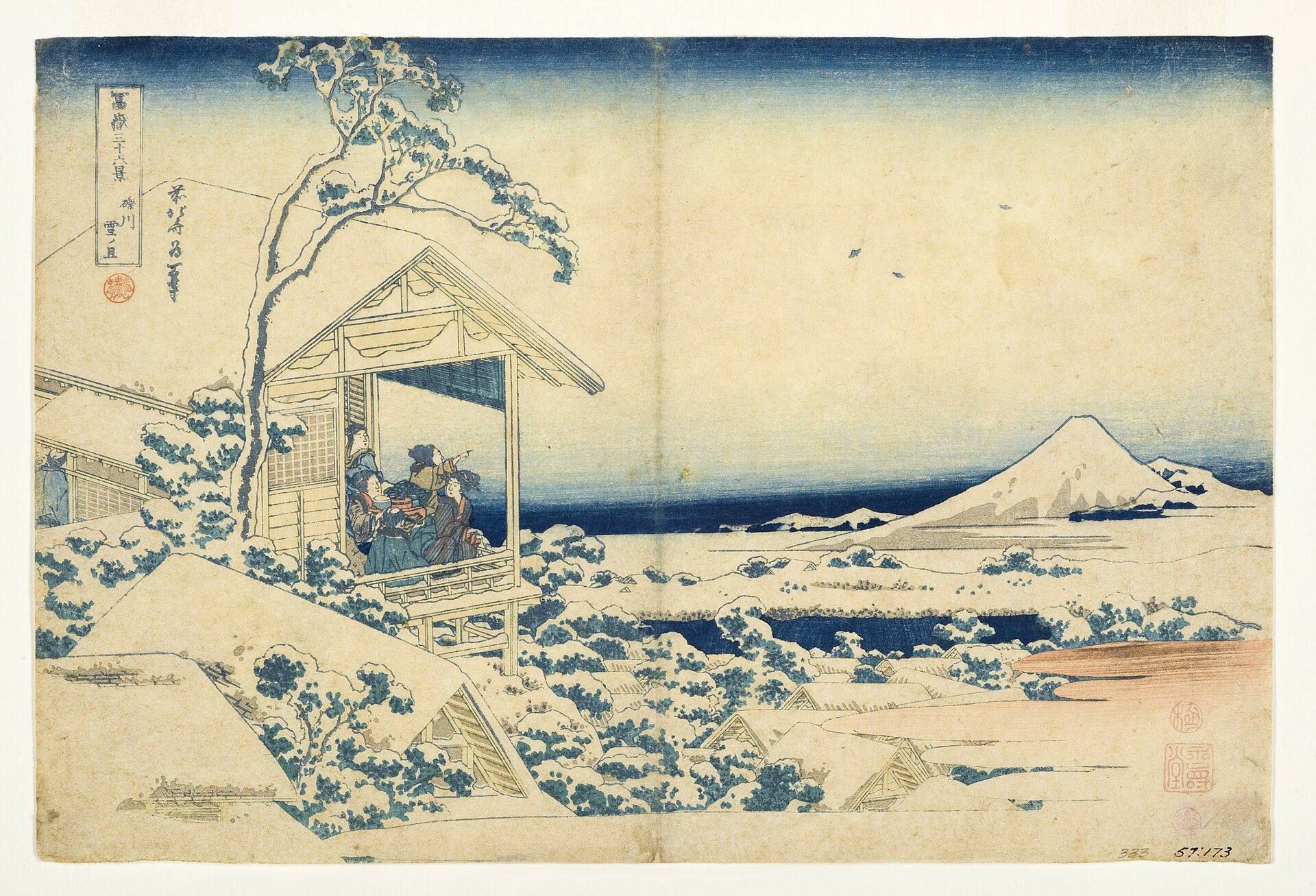
Colour woodblock print of the road at Shinagawa at sunrise: travellers with lanterns walk past tea houses, boats with striped sails ride on the bay. Colour woodblock print of Nihonbashi bridge at dawn: porters and travellers cross in the grey light, a pole-carrier in front. Colour woodblock print of a red sun rising over a snowy shore at Susaki, a shrine and pines under snow. Colour woodblock print of a snowy morning: women on a veranda point toward Mount Fuji across snow-covered roofs.
Shinagawa at sunrise, Utagawa Hiroshige, about 1834

I wanted a planner that only shows today. Not the week, not the month, just the day I’m in.

So that’s all Kyo opens on. What I don’t finish carries forward to tomorrow, and anything that can wait sits in Later until its day.

There’s no account and no server. Your tasks, habits and memos stay on your devices, and your iPhone and Apple Watch sync directly with each other.

I built it for my own days first. It’s free, it’s open source, and it’s still in beta.

Chris BaileyMakes Kyo

Questions

Not public yet.Watch the repo

Or build it from source with Xcode today. It has no third-party dependencies.